
Caps
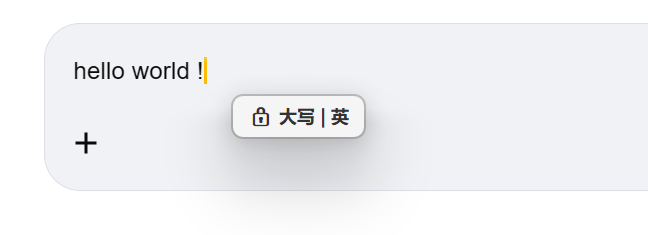
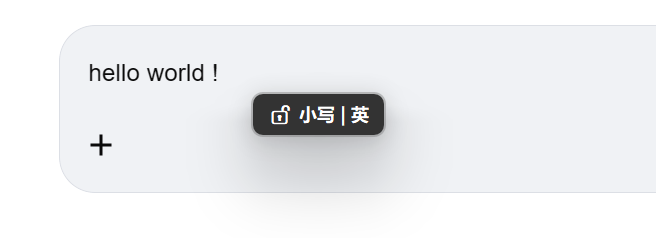
Caps Lock state
Shows 🔒 CAPS / 🔓 caps on toggle, updates on Shift release.
Real-time display of Caps Lock, IME state and clipboard operations. Stay aware of your input environment without breaking flow.
Single ~1MB binary, low memory usage.
No focus stealing, no popups, auto-dismiss tips keep your flow.
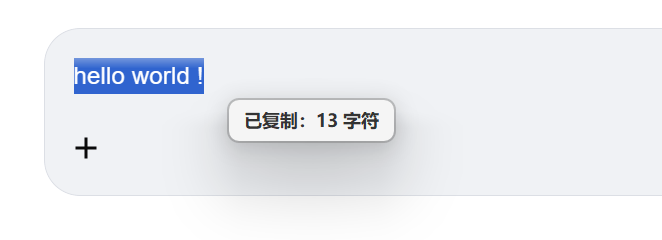
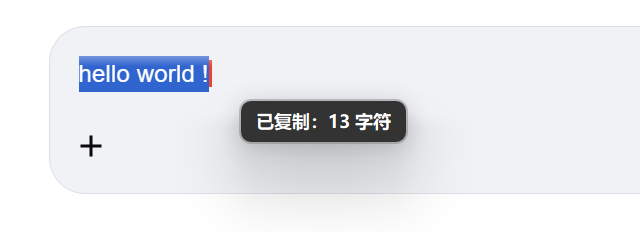
Identifies clipboard content type and counts text / images / files separately.
Built on AutoHotkey v2. Auditable, hackable, yours.
Shows 🔒 CAPS / 🔓 caps on toggle, updates on Shift release.
ZH / EN state shown alongside caps, no need to switch windows.
Counts text / images / files the moment you copy. Never wonder "did it copy?" again.
Extension-based image detection supporting 18 modern and professional formats.
No network, no upload, only reads clipboard metadata.
Disable caps tip or copy tip independently.
Bubble follows mouse, or pinned to center / top / bottom.
Follow system or switch manually, match your editor theme.
Code fully public. Audit it, hack it, build it yourself.
Download, double-click to run. No install needed.